

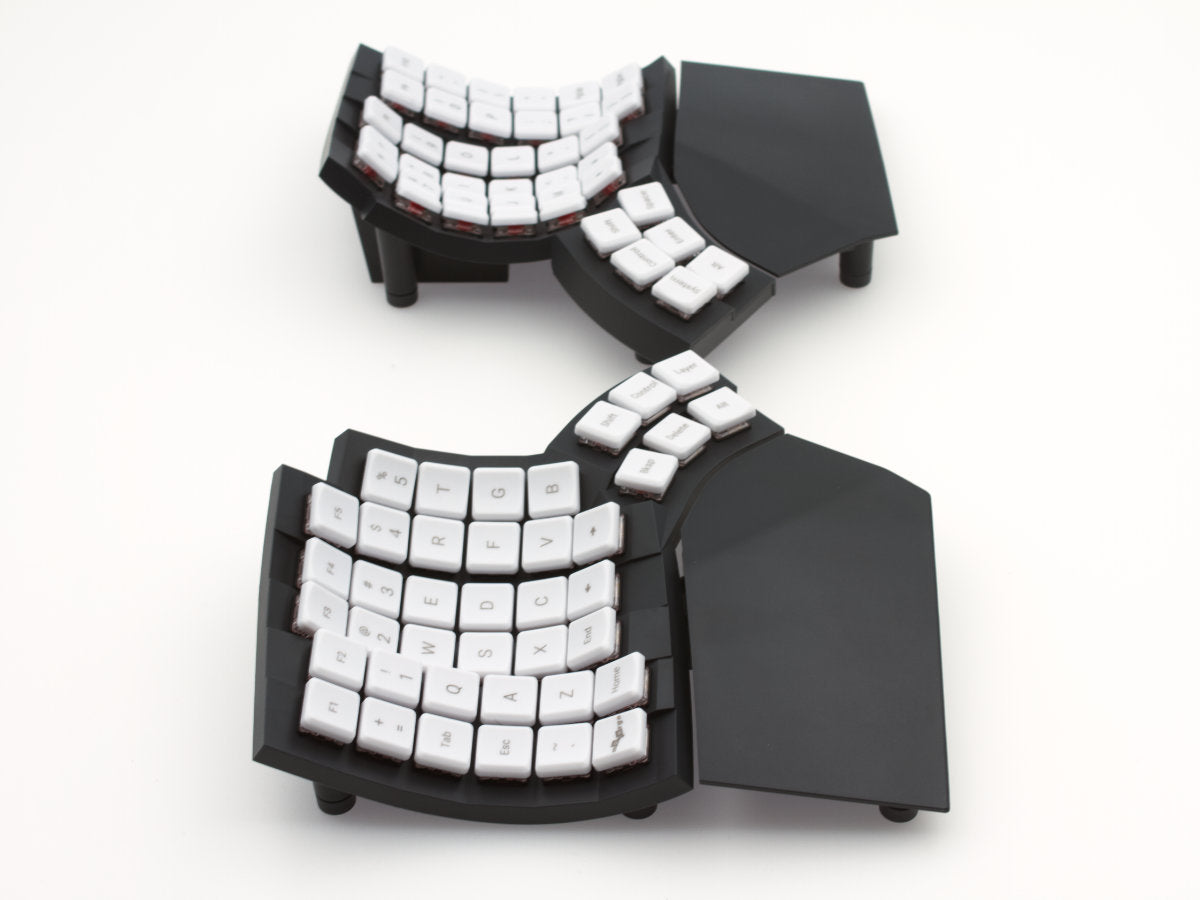
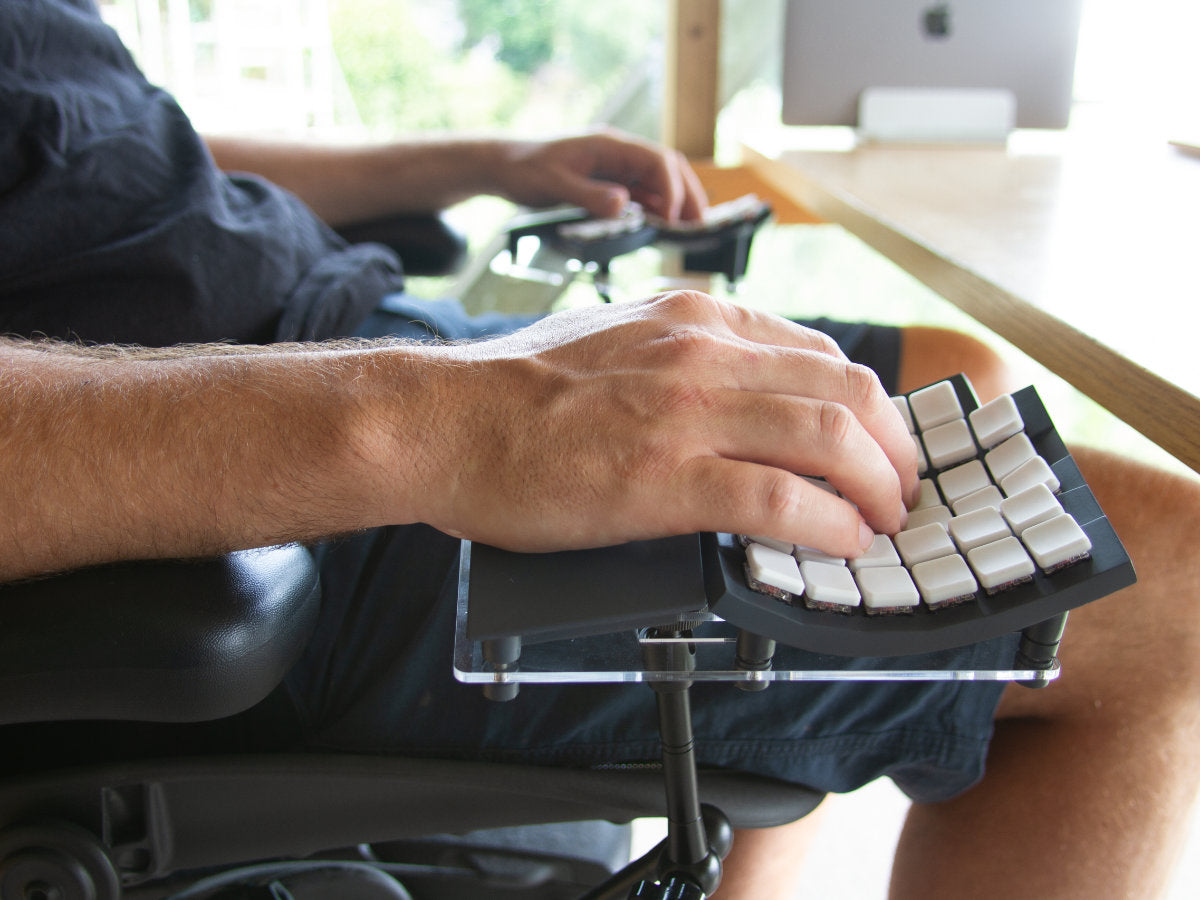



Go60 is designed to encourage good typing postures.
1. Make sure you have a properly set up and comfortable desk and chair, or alternatively a standing desk.
2. If you intend to use Go60 with the optional palm rest, install the palm rest
3. If the keycaps have been loosened during its long journey to you, they will feel uneven as you slide your fingers down the columns. Push them in to fully reseat the keycaps.
4. Place the two halves in a comfortable position, such that:
5. Place your fingers on the highlighted keys in the image below. This is the typical rest position for your fingers, also known as the “home row”.
6. Go60 is a columnar keyboard: it is designed to reduce the need for fingers reaching sideways. Most of our finger movements are to curl and uncurl. The index and the pinky fingers are each responsible for two columns (C1 & C2 for index fingers, and C5 & C6 for the pinky fingers), while the middle and ring fingers are each responsible for one column.

6. Glove80 is a columnar keyboard: it is designed to reduce the need for fingers reaching sideways. Most of our finger movements are to curl and uncurl. The index and the pinky fingers are each responsible for two columns (C1 & C2 for index fingers, and C5 & C6 for the pinky fingers), while the middle and ring fingers are each responsible for one column.
7. Glove80’s thumb cluster is unique. It is designed to require no or very little palm movement to reach all 6 thumb keys. The thumb keys are designed such that they are reachable primarily by pivoting the thumb at the base joint of the thumb.
8. Glove80 is designed such that most users can type comfortably while having the palm lightly resting on the palm rest, with no or little palm movements. See the next section Finding a comfortable palm position on how to find a comfortable position for your palms.
9. As you get used to Glove80, you may decide to try out different keyboard layouts and different tenting options. More information can be found in the Glove80 User Guide.
That’s it!
If you are already familiar with typing on a columnar keyboard such as an Ergodox, you should very quickly adapt to your Glove80. If you have never typed on a columnar keyboard, there will be a learning curve to adapt to the columnar finger movement. Most people find themselves picking up the basics within a day, but mastery will take at least a few weeks of practice.
Here is a video of one of our testers typing on Glove80:
Each of us is different. As such, we all have different ideal positions of our palms on the palm rests. It will take some time and experimenting to find your sweet spot.
Here is a way to find a reasonable starting point for your palm position:

This is a good starting position, as you can easily reach all 6 thumb keys and the home row in the concave keywell.
If you are resting your palms on the palm rests while typing, it is recommended to put the weight primarily on the sole of the palm on the pinky side, and not on the area directly south of index fingers and thumbs. This will allow you to stretch your thumbs easier to reach both rows of thumb keys.
As you practice typing on the Glove80, you will naturally adjust and find a more comfortable position for your palm.


